
How to Register – Members
Your MyCentralStatesPension.org account allows you to view your work history, estimate your pension amount at retirement, and communicate directly with us.
Start Registration
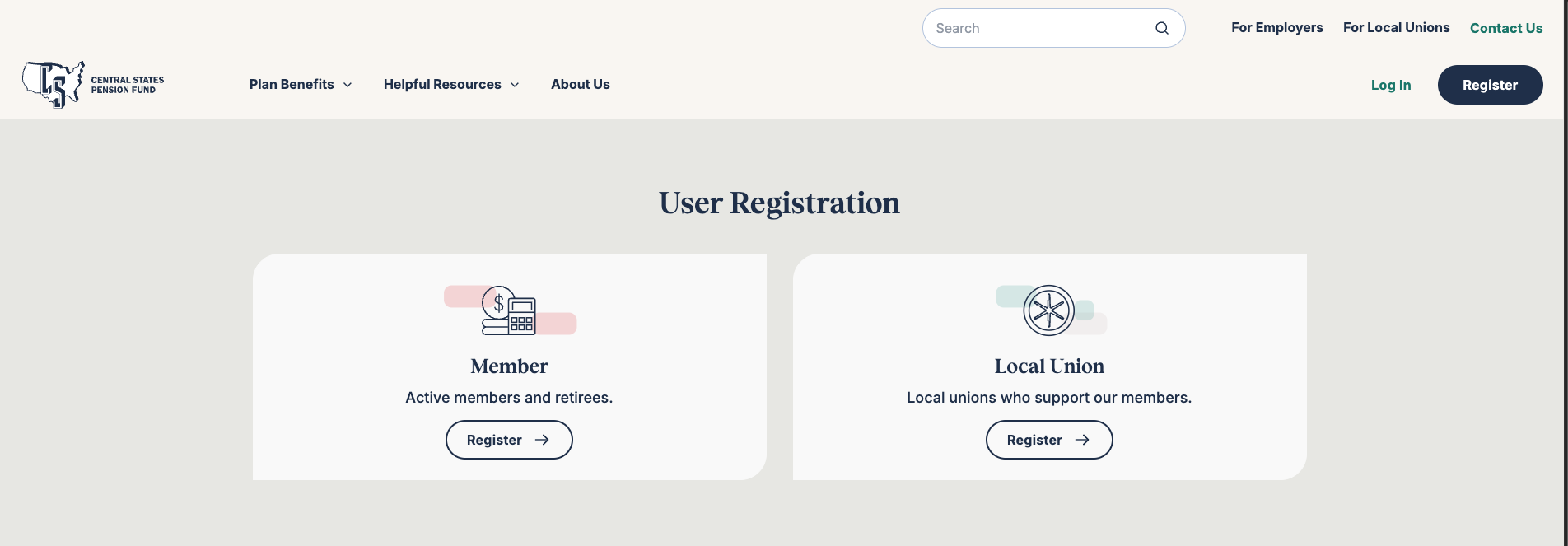
Start the registration process here, or visit the MyCentralStatesPension.org homepage and click Register, then select Member registration.
1 Accept Terms of Use
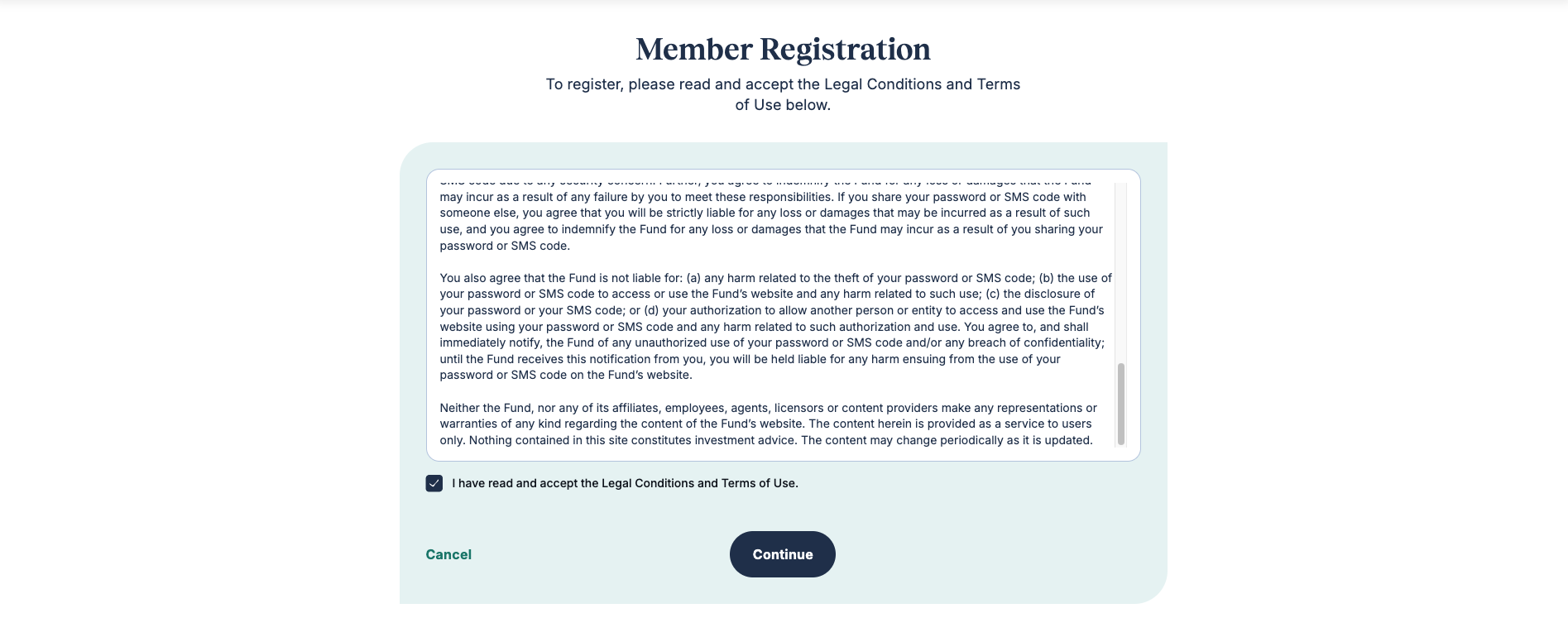
Review the Legal Conditions and Terms of Use. Scroll to the end and select the checkbox to continue.
2 Verify Identity
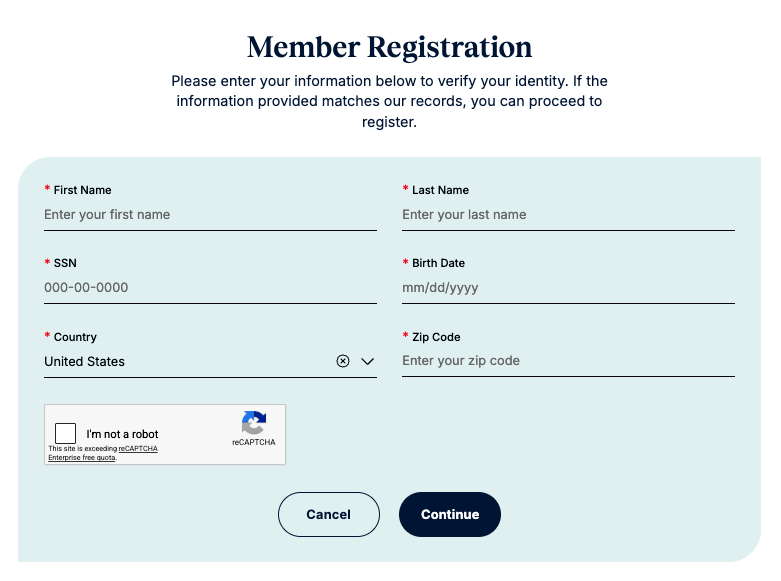
Confirm who you are by providing the following information:
- First and last name
- 9-digit Member ID
- Last 4 digits of your SSN
- Date of birth (MM/DD/YYYY)
- ZIP/postal code
Complete the reCAPTCHA security check.
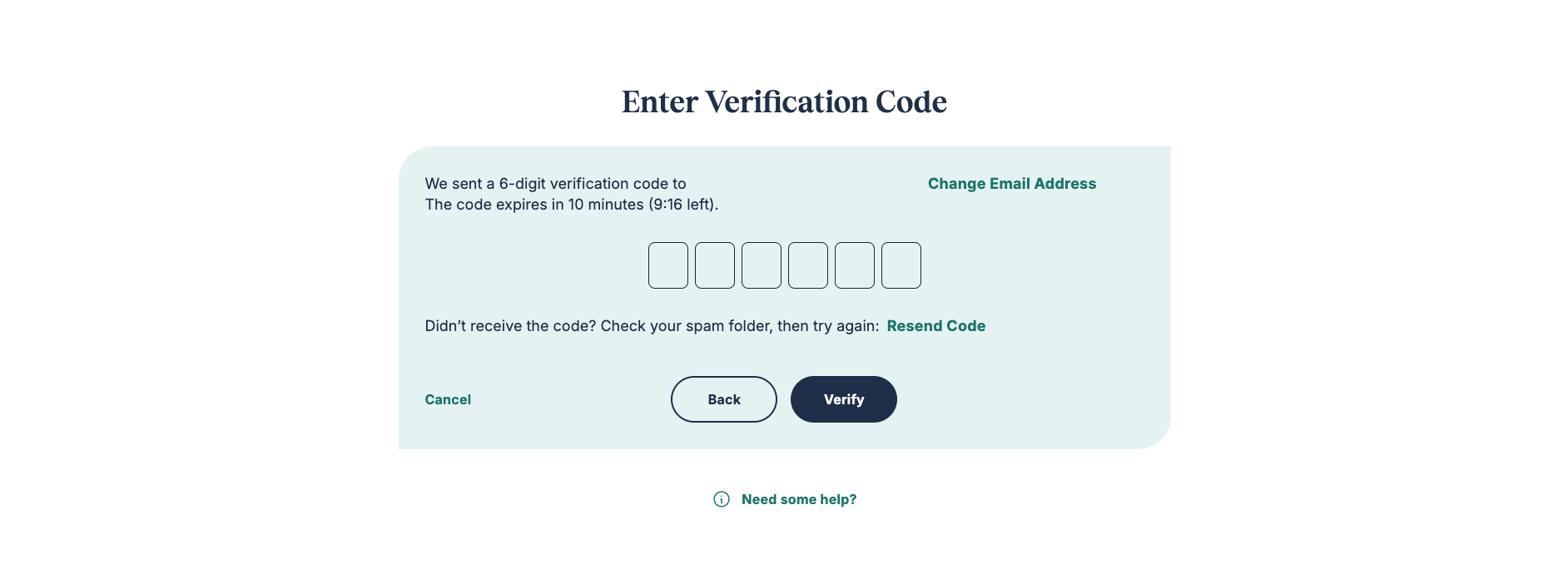
3 Verify Email
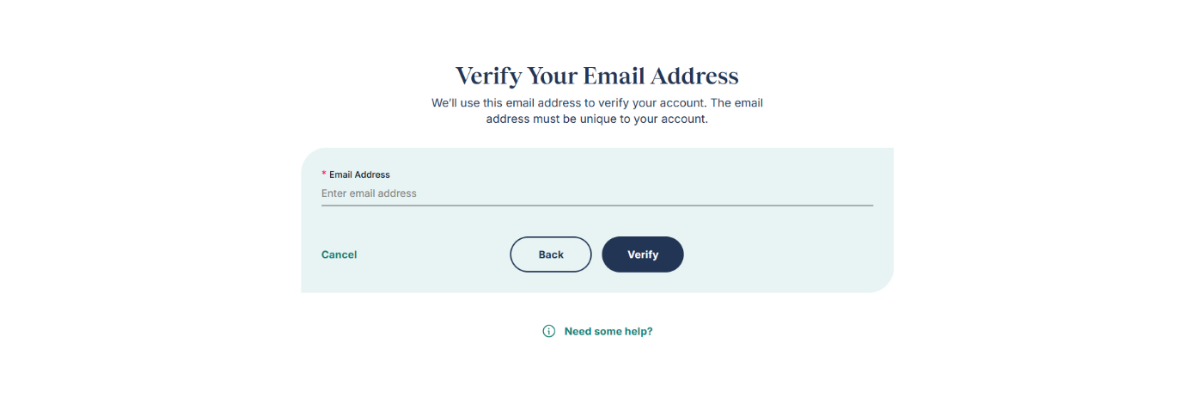
Central States will send a 6-digit verification code to the email address you provided. Enter the code to continue. This email address must be unique to your account and not already associated with another MyCentralStatesPension.org account.
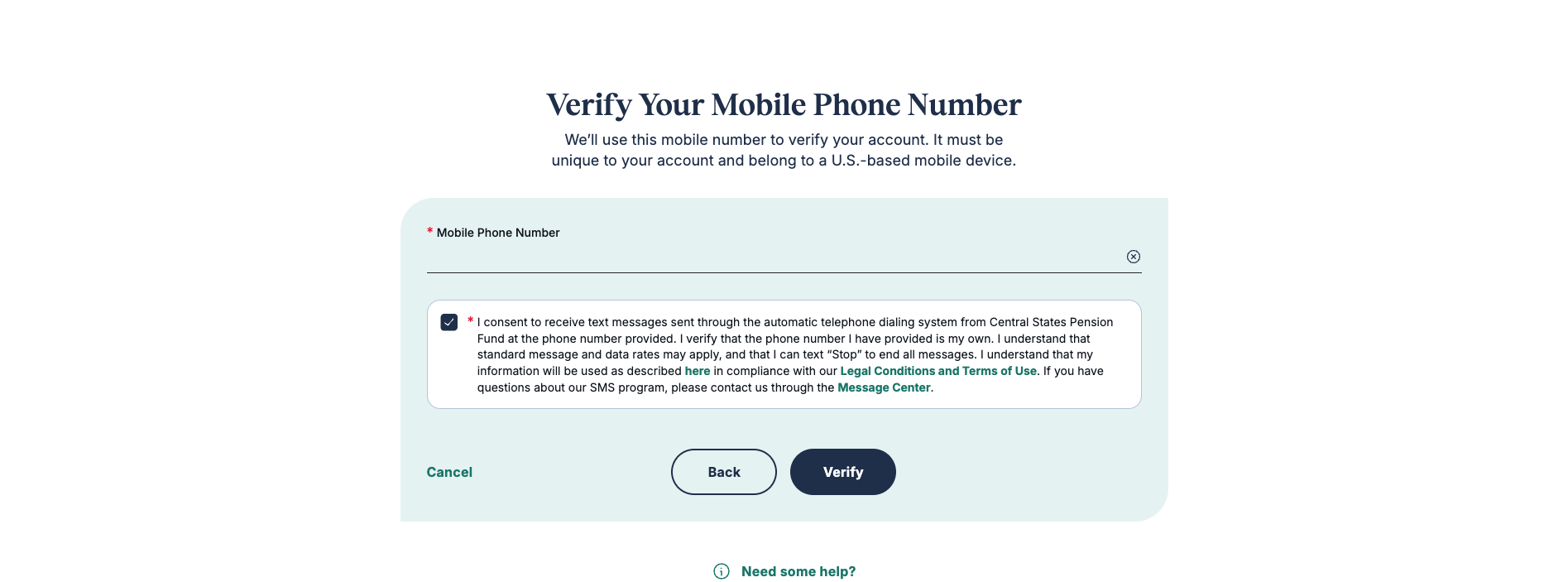
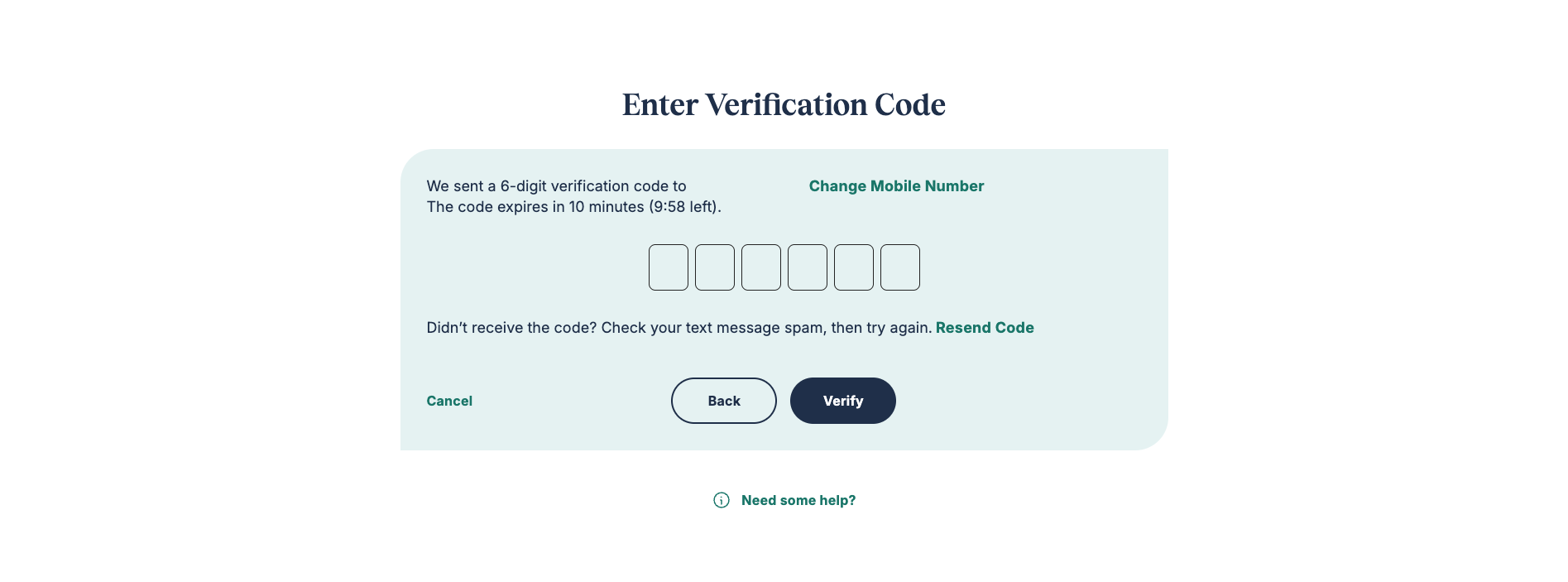
4 Verify Mobile Phone
Provide a U.S.-based mobile phone number and select the checkbox to consent to receive text messages. Enter the 6-digit verification code Central States sends to that number. The phone number must be unique to your account and not already associated with another MyCentralStatesPension.org account.
5 Secure Your Account
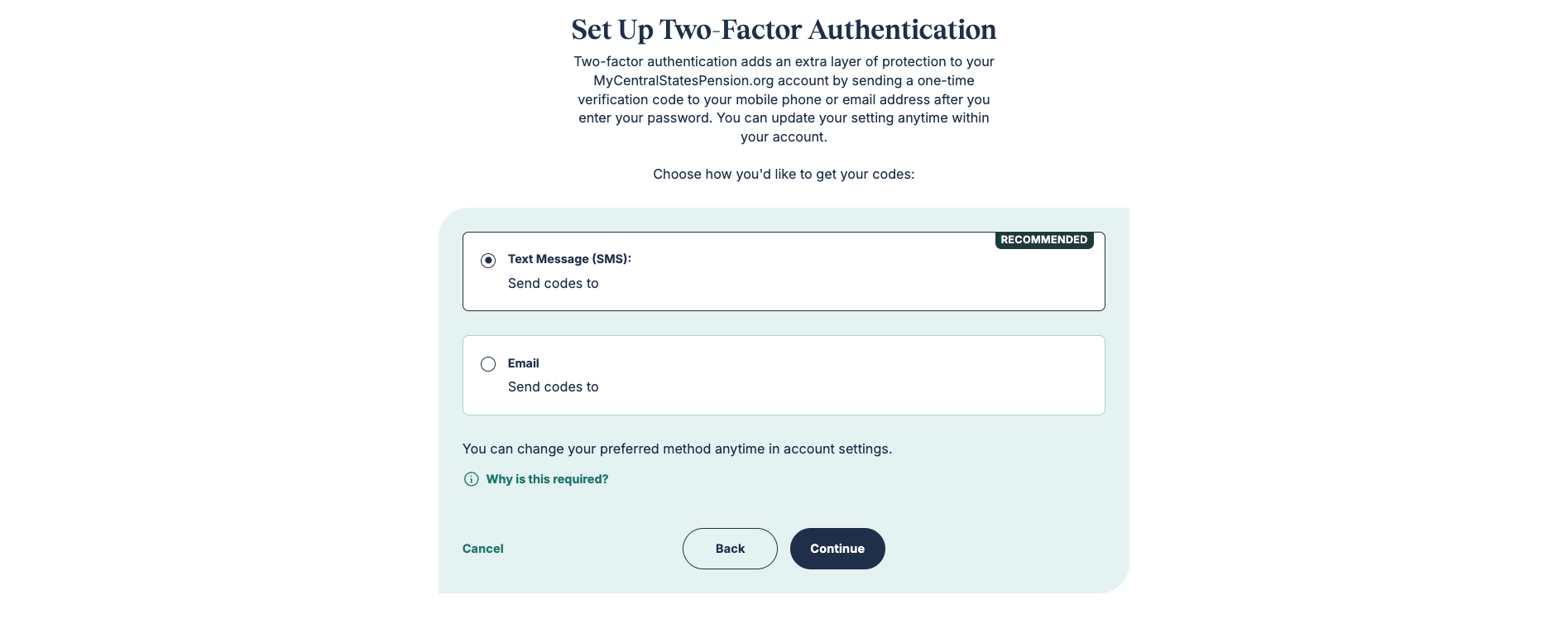
Set Up Two-Factor Authentication
Two-factor authentication adds an extra layer of protection to your MyCentralStatesPension.org account. Each time you log in, you'll receive a one-time verification code by text or email. You can update this setting at any time in your account.
Choose how you'd like to receive your codes:
- Text message (SMS) — recommended
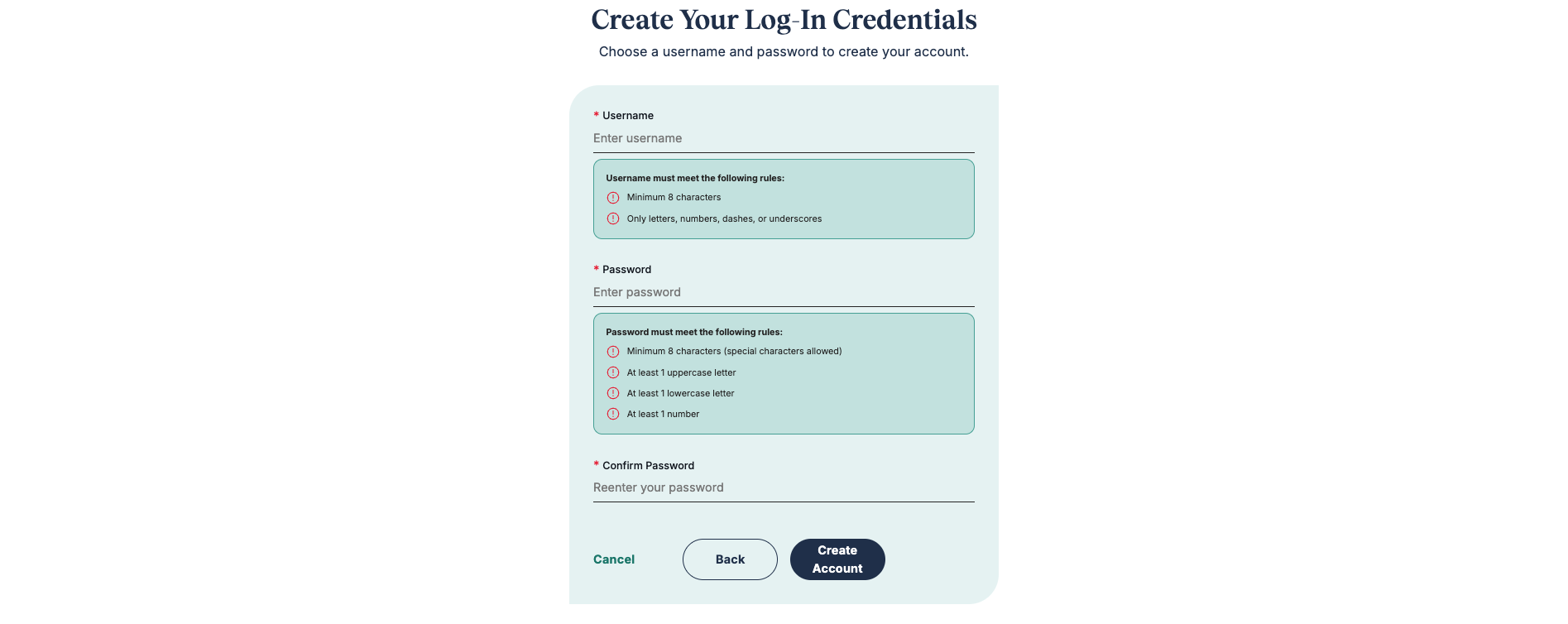
6 Create Credentials
- Create a unique username with at least 8 characters (no special characters).
- Create a password with at least 8 characters, including uppercase and lowercase letters and at least one number.
- Re-enter your password to confirm.

7 Complete Registration
You’ll see a confirmation page when your registration is complete. Log in to your MyCentralStatesPension.org account using your new username and password.
Verify Your Identity with Persona
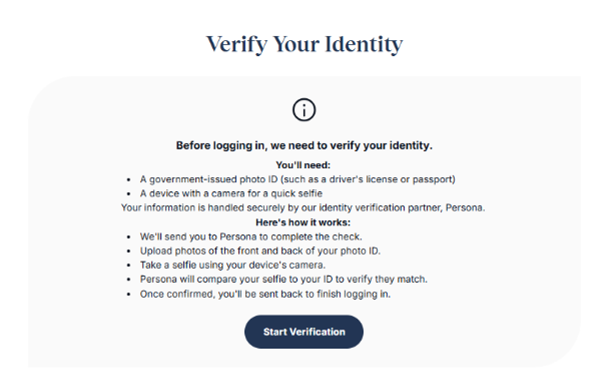
Before you can log in, Central States may need to verify your identity. This check is handled securely by our identity verification partner, Persona.

You'll need:
- A government-issued photo ID (such as a driver's license or passport)
- A device with a camera for a quick selfie
Here's how it works:
- Click Start Verification to be directed to Persona.
- Upload photos of the front and back of your photo ID.
- Take a selfie using your device's camera.
- Persona will compare your selfie to your ID photo to confirm they match.
- Once confirmed, you'll be returned to MyCentralStatesPension.org to continue.
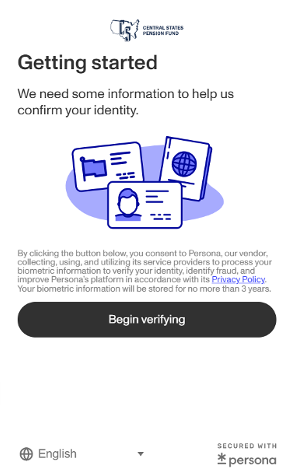
For help with issues like taking photos and scanning passports, visit Persona’s troubleshooting guide